Exciting news! TCMS official website is live! Offering full-stack software services including enterprise-level custom R&D, App and mini-program development, multi-system integration, AI, blockchain, and embedded development, empowering digital-intelligent transformation across industries. Visit dev.tekin.cn to discuss cooperation!
A complete enterprise-grade Ollama deployment solution for Kubernetes—covering namespace isolation, persistent storage, Deployment setup, and service exposure. This guide includes pre-deployment checks, step-by-step operations, validation methods, and production optimization tips (GPU acceleration, multi-replica scaling) to help developers and DevOps teams quickly launch stable, scalable Ollama services on K8s.
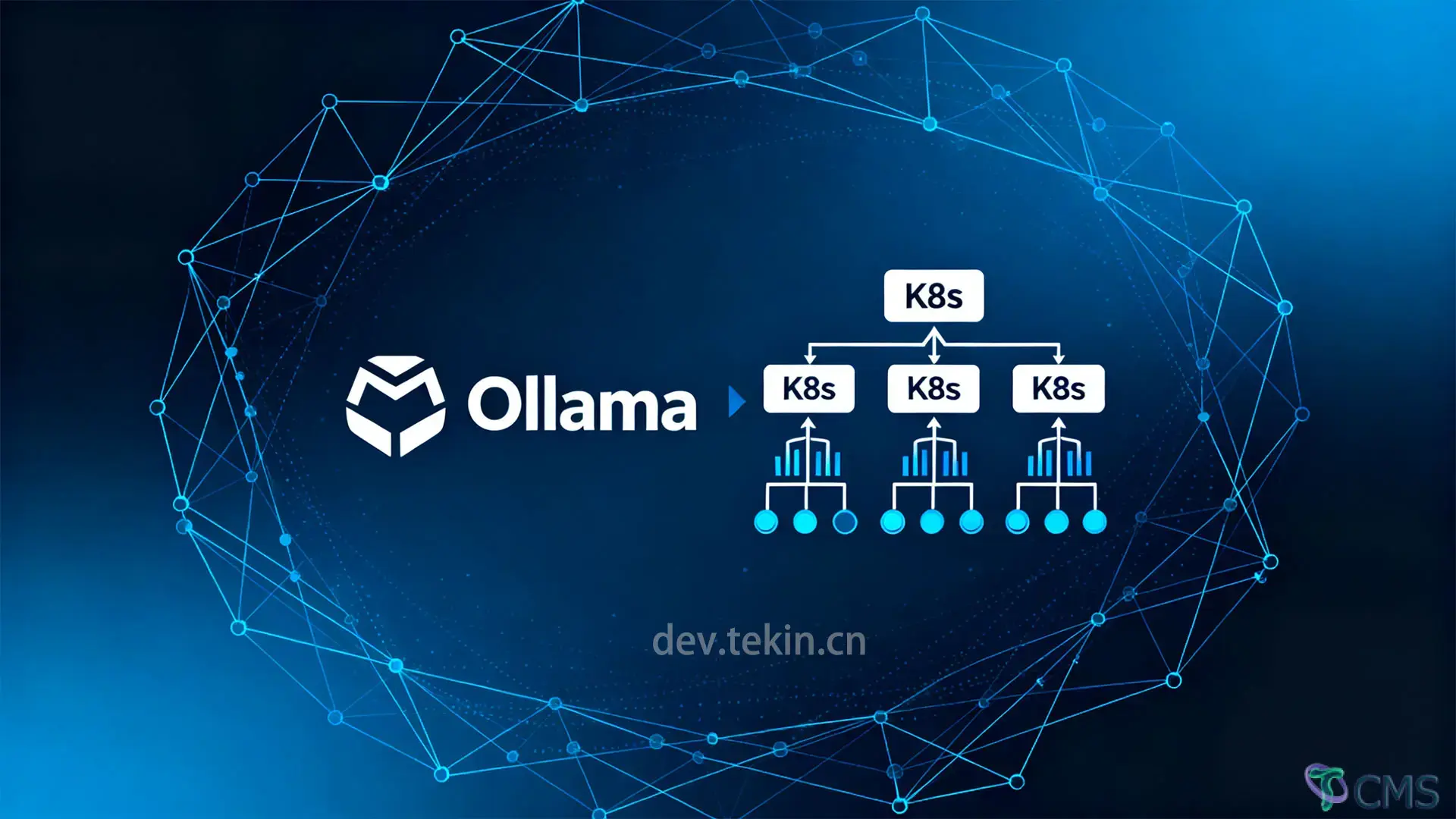
As lightweight LLMs gain traction, Ollama has become the top choice for SMBs to deploy AI capabilities with its "one-click setup and low barrier to use." However, single-machine Ollama deployments face production challenges: model loss, uncontrollable resources, and scaling difficulties. Kubernetes solves these pain points with its container orchestration capabilities. This guide provides a full-stack Ollama K8s deployment方案, supporting use cases from testing to production.
Ensure your environment meets these requirements to avoid configuration issues:
K8s Cluster: 1+ node cluster (recommended v1.24+, supports Containerd runtime). Verify with kubectl get nodes (nodes must be in Ready state).
Persistent Storage: Cluster must support persistent storage (e.g., default StorageClass, NFS, Local Path) to save Ollama models (models are lost if not persisted after Pod restarts).
Resource Reservation:
7B model: Minimum 4 CPU cores + 8GB memory
13B model: Minimum 8 CPU cores + 16GB memory
GPU acceleration: Pre-install NVIDIA device plugin (nvidia-device-plugin).
Tools: Local kubectl installed with cluster access. Verify with kubectl cluster-info.
Ollama’s K8s deployment requires 4 key components: namespace isolation, persistent storage (PVC), Deployment, and Service exposure. Below are production-ready configurations with English comments—modify as needed.
Create a dedicated namespace to separate Ollama resources from other services:
apiVersionv1
kindNamespace
metadata
nameai-services # All Ollama resources reside here
labels
appollama # Unified label for resource filteringOllama stores models in /root/.ollama by default. Use PVC to persist models across Pod restarts:
apiVersionv1
kindPersistentVolumeClaim
metadata
nameollama-models-pvc
namespaceai-services
spec
accessModes
ReadWriteOnce # Use ReadWriteMany for multi-replica (requires storage class support like NFS)
resources
requests
storage50Gi # 7B model ≈4GB, 13B≈13GB; reserve 20% redundancy for multiple models
storageClassName"standard" # Replace with your cluster's storage class (e.g., aws-ebs, gcp-pd, nfs-client)Manages Ollama container lifecycle (resource limits, health checks, environment variables):
apiVersionapps/v1
kindDeployment
metadata
nameollama
namespaceai-services
labels
appollama
spec
replicas1 # Enable multi-replica only after solving storage sharing (e.g., NFS)
selector
matchLabels
appollama
strategy
typeRecreate # Prevent model file conflicts in multi-replica scenarios
template
metadata
labels
appollama
spec
containers
nameollama
imageollama/ollamalatest # Use specific version in production (e.g., ollama/ollama:0.1.48)
# For GPU acceleration: Use ollama/ollama:nvidia (requires NVIDIA device plugin)
ports
containerPort11434 # Default Ollama API port
env
nameOLLAMA_HOST
value"0.0.0.0" # Allow external access (default: localhost only)
nameOLLAMA_MAX_LOADED_MODELS
value"2" # Adjust based on available memory (default: 3)
resources
requests# Minimum resources for scheduling
cpu"4"
memory"12Gi" # 7B model: 8GB+, 13B model: 16GB+
limits# Prevent resource contention
cpu"8"
memory"16Gi"
# GPU configuration (uncomment if using NVIDIA image)
# resources:
# limits:
# nvidia.com/gpu: 1
volumeMounts
namemodel-storage
mountPath/root/.ollama # Default Ollama model directory (do not modify)
subPathollama # Isolate directory for shared storage
namecache-volume
mountPath/root/.cache/ollama # Temporary cache for faster model loading
livenessProbe# Restart Pod if service fails
httpGet
path/
port11434
initialDelaySeconds120 # Longer delay for model loading
periodSeconds20
timeoutSeconds5
readinessProbe# Remove Pod from Service if unready
httpGet
path/
port11434
initialDelaySeconds60
periodSeconds10
securityContext
runAsUser1000
runAsGroup1000
fsGroup1000 # Allow write access to model directory
affinity
# Prefer scheduling to GPU nodes (if available)
nodeAffinity
preferredDuringSchedulingIgnoredDuringExecution
weight100
preference
matchExpressions
keynvidia.com/gpu.present
operatorIn
values"true"
tolerations
# Tolerate GPU node taints
key"nvidia.com/gpu"
operator"Exists"
effect"NoSchedule"
volumes
namemodel-storage
persistentVolumeClaim
claimNameollama-models-pvc
namecache-volume
emptyDir
mediumMemory
sizeLimit2Gi # In-memory cache for faster inferenceFixes temporary Pod IPs with a stable access address:
apiVersionv1
kindService
metadata
nameollama-service
namespaceai-services
labels
appollama
spec
selector
appollama
ports
port11434
targetPort11434
protocolTCP
namehttp
typeClusterIP # Modify for external access:
# - NodePort: Add nodePort: 30080 (range: 30000-32767)
# - LoadBalancer: For cloud environments (AWS ELB, GCP LB)Save all configurations to ollama-k8s-deploy.yaml and run:
kubectl apply -f ollama-k8s-deploy.yamlVerify resource status (all components must be healthy):
# Check namespace
kubectl get ns | grep ai-services
# Check PVC (STATUS: Bound)
kubectl get pvc -n ai-services
# Check Deployment (READY: 1/1)
kubectl get deployment -n ai-services
# Check Pod (STATUS: Running, RESTARTS: 0)
kubectl get pods -n ai-servicesTroubleshooting: If Pod is Pending, run kubectl describe pod <pod-name> -n ai-services to check for storage binding or resource shortages.
Once the Pod is running, pull your target model (e.g., Llama3-8B):
# Enter the Ollama container (replace <pod-name> with actual Pod name)
kubectl exec -it -n ai-services <pod-name> -- /bin/sh
# Pull model (e.g., Llama3-8B)
ollama pull llama3:8bCheck pull progress with:
kubectl logs -f <pod-name> -n ai-services# Run a test Pod
kubectl run -it busybox --image=busybox:1.35 -- /bin/sh
# Test model list API
wget -qO- http://ollama-service.ai-services:11434/api/tagsForward the Service port to your local machine:
kubectl port-forward -n ai-services service/ollama-service 11434:11434Test the chat API with curl:
curl http://localhost:11434/api/chat -d '{
  "model": "llama3:8b",
  "messages": [{"role": "user", "content": "What is Kubernetes?"}]
}'
A successful response (JSON format) indicates the Ollama service is operational.
Multi-replica scenarios: Use ReadWriteMany-supported storage (NFS, AWS EFS, GCP Filestore).
Performance: Use SSD for faster model loading (HDD may cause timeouts for 13B+ models).
CPU/Memory:
7B model: 4-8 cores + 8-12GB memory
13B model: 8-16 cores + 16-32GB memory
34B model: 16+ cores + 64GB+ memory
GPU Acceleration: Use ollama/ollama:nvidia image (3-5x faster model loading, 50% lower latency).
Monitoring: Use Prometheus + Grafana to track model status, API throughput, and latency (Ollama exposes /metrics endpoint).
Log Collection: Forward container logs to ELK or Loki for troubleshooting.
High Availability: Add PodDisruptionBudget (PDB) to avoid service downtime during maintenance.
RBAC Permissions: Restrict access to the ai-services namespace to authorized users.
Network Isolation: Use NetworkPolicy to allow access only from trusted services.
Image Security: Store Ollama images in a private registry to prevent tampering.
This deployment balances stability, scalability, and resource efficiency—suitable for both testing and production. Key advantages include:
Persistent models: Avoid repeated downloads via PVC.
Controllable resources: Prevent resource contention with CPU/memory limits.
Flexible scaling: Support single-replica debugging and multi-replica high availability.
Adjust configurations (storage capacity, resource limits, Service type) based on your cluster resources and model requirements to quickly launch lightweight AI services.

 Tekin Tian
Feb 25, 2026
 Tekin Tian
May 03, 2025
 Tekin Tian
May 03, 2025


Please enter your email address below and click the subscribe button. By doing so, you agree to our Terms and Conditions.