
Exciting news! TCMS official website is live! Offering full-stack software services including enterprise-level custom R&D, App and mini-program development, multi-system integration, AI, blockchain, and embedded development, empowering digital-intelligent transformation across industries. Visit dev.tekin.cn to discuss cooperation!
Discover the most critical PHP 5.6 extensions for maintaining legacy projects on macOS. This curated list includes database, caching, image processing, and security extensions—with one-click MacPorts installation commands and clear use cases.
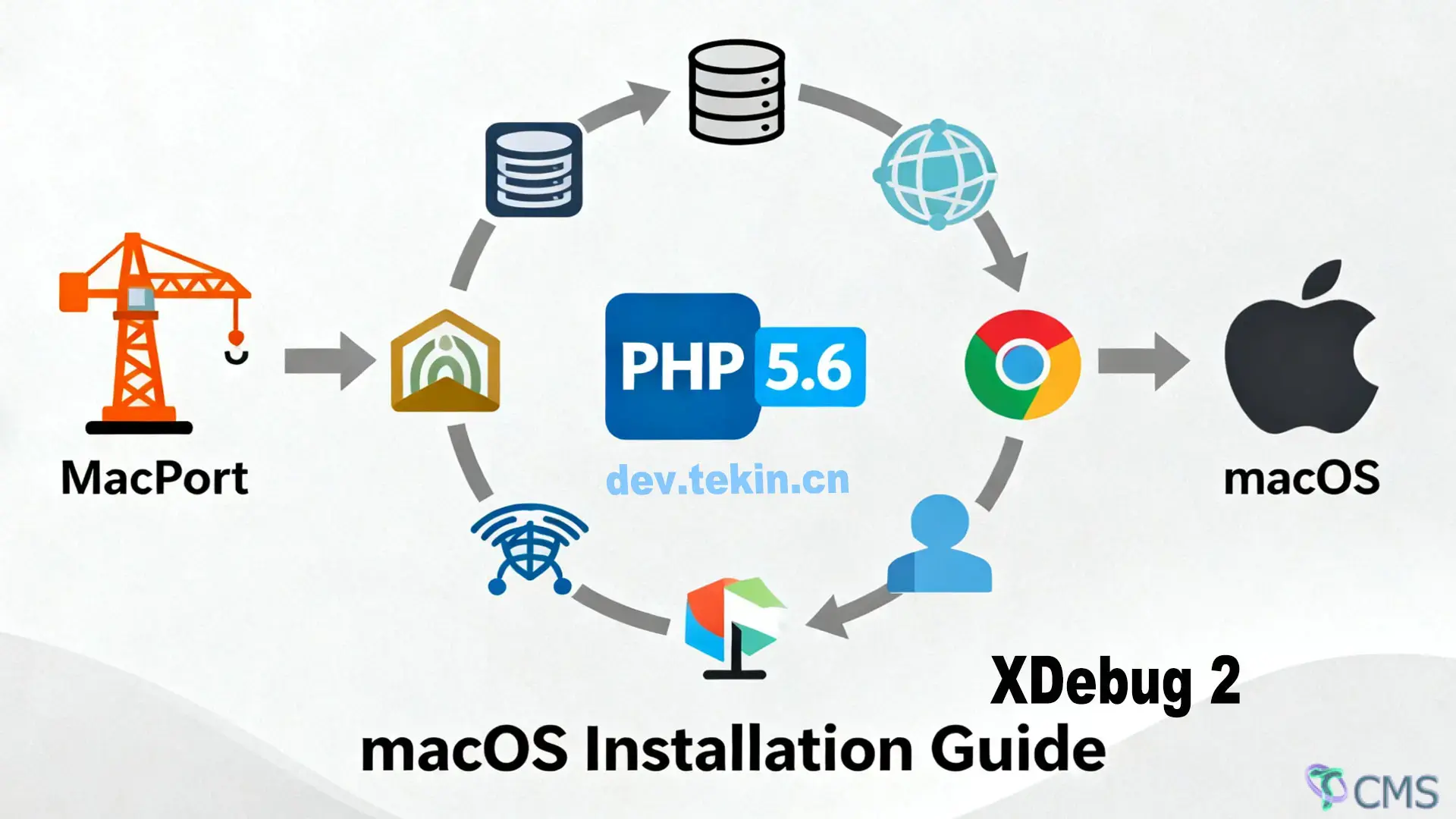
Maintaining legacy PHP 5.6 projects requires specific extensions to handle databases, caching, image processing, and more. This guide compiles the most essential extensions for macOS (MacPorts environment), with direct installation commands and practical use cases. All extensions are compatible with PHP 5.6 and optimized for stability—perfect for legacy application development.
| Extension Category | Extension Name | MacPorts Installation Command | Core Use Case |
|---|---|---|---|
| Database | MySQL (mysql, mysqli, pdo_mysql) | sudo port install php56-mysql | Enables MySQL database connections. Includes mysql, mysqli, and pdo_mysql extensions—compatible with most legacy PHP projects. |
| Database | PostgreSQL | sudo port install php56-postgresql | Connects to PostgreSQL databases. Includes pgsql and pdo_pgsql extensions—ideal for open-source database projects. |
| Database | MongoDB | sudo port install php56-mongodb | Interacts with MongoDB document databases. Compatible with MongoDB server versions below 3.x. |
| Caching | Redis | sudo port install php56-redis | Connects to Redis caching servers. Supports string, hash, list, and other data structure operations. |
| Caching | Memcached | sudo port install php56-memcached | Integrates with Memcached distributed caching. Improves data read performance in high-concurrency scenarios. |
| Caching | APCu | sudo port install php56-APCu | PHP local caching extension. Caches script bytecode and user data to reduce database query load. |
| Network & Communication | cURL | sudo port install php56-curl | Sends HTTP/HTTPS requests, uploads/downloads files. Supports cookies, proxies, and API integrations. |
| Network & Communication | Sockets | sudo port install php56-sockets | Enables low-level socket programming. Supports TCP/UDP communication for custom network protocol development. |
| Network & Communication | SOAP | sudo port install php56-soap | Develops or consumes SOAP protocol APIs. Compatible with traditional enterprise system integrations. |
| Image Processing | GD | sudo port install php56-gd | Basic image manipulation. Supports resizing, cropping, watermarking, and captcha generation. |
| Image Processing | Imagick | sudo port install php56-imagick | Advanced image processing. Supports multiple image format conversions and effects—depends on ImageMagick library. |
| Text Processing | mbstring | sudo port install php56-mbstring | Multi-byte string handling. Resolves issues with Chinese and non-ASCII character truncation/encoding. |
| Text Processing | iconv | sudo port install php56-iconv | Character encoding conversion (e.g., GBK to UTF-8). Ideal for legacy systems with encoding compatibility needs. |
| Text Processing | Tidy | sudo port install php56-tidy | Formats and cleans HTML/XML code. Fixes tag errors—suitable for content management systems. |
| System Tools | pcntl | sudo port install php56-pcntl | Process control. Supports multi-process creation and signal handling—ideal for concurrent CLI script execution. |
| System Tools | posix | sudo port install php56-posix | Calls POSIX system functions. Retrieves system information and manages user permissions. |
| Compression | Zip | sudo port install php56-zip | Compresses/uncompresses ZIP files. Reads files and directories within ZIP archives. |
| Compression | LZF | sudo port install php56-lzf | Lightweight data compression. Faster than ZIP—suitable for in-memory data and cache storage. |
| Security | OpenSSL | sudo port install php56-openssl | Encryption/decryption (AES/RSA) and SSL certificate validation. Secures API communications and data storage. |
| Security | mcrypt | sudo port install php56-mcrypt | Legacy encryption extension. Supports multiple algorithms—compatible with older projects using mcrypt-based encryption. |
| Internationalization | intl | sudo port install php56-intl | Internationalization support. Handles date formatting, currency conversion, and multi-language translation. |
| API & Data Exchange | XML-RPC | sudo port install php56-xmlrpc | Develops or consumes XML-RPC APIs. Suitable for early cross-system data exchange. |
| Data Transformation | XSL | sudo port install php56-xsl | XSLT document transformation. Converts XML data to HTML/XML via templates—ideal for data visualization. |
No manual php.ini configuration is required—MacPorts automatically generates extension config files in /opt/local/var/db/php56/.
Some extensions depend on system libraries (e.g., Imagick requires ImageMagick). MacPorts installs dependencies automatically—no manual intervention needed.
Verify extension installation: Run php56 -m | grep [extension-name] (e.g., php56 -m | grep redis). The extension name will appear if installed successfully.
Uninstall extensions: Run sudo port uninstall [extension-name] (e.g., sudo port uninstall php56-redis).

 Tekin Tian
Feb 25, 2026
 Tekin Tian
May 03, 2025

 Tekin Tian
May 03, 2025


Please enter your email address below and click the subscribe button. By doing so, you agree to our Terms and Conditions.