
Exciting news! TCMS official website is live! Offering full-stack software services including enterprise-level custom R&D, App and mini-program development, multi-system integration, AI, blockchain, and embedded development, empowering digital-intelligent transformation across industries. Visit dev.tekin.cn to discuss cooperation!
This article explains macOS Zsh parse errors from hyphens in function names via a pyenv-Clang compatibility case. Zsh bans hyphens (option separators) with two-stage validation—no definition errors, but invocation failures. It contrasts Bash-Zsh differences, gives fixes like underscore replacement/aliases, clarifies Zsh naming rules, and shares best practices for macOS zsh/pyenv developers
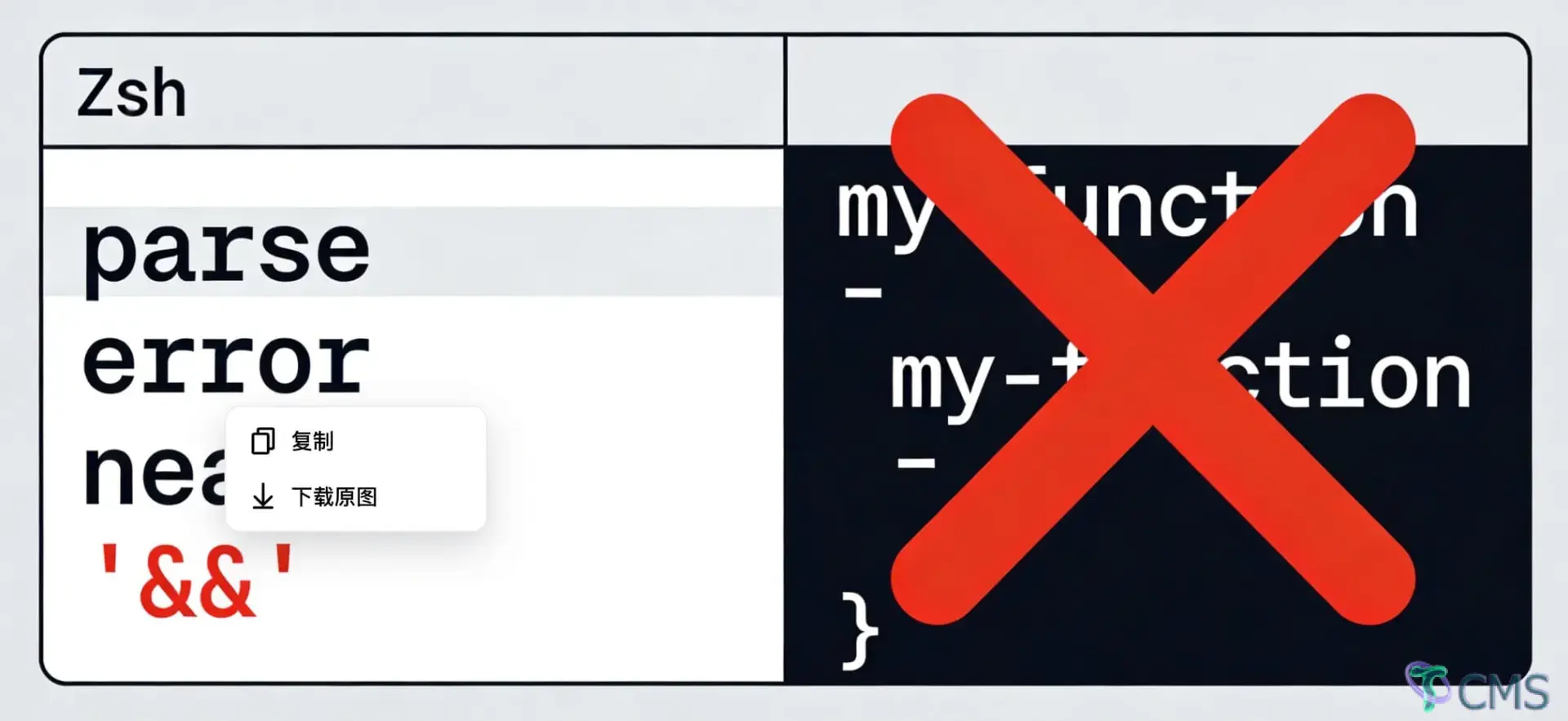
A Troubleshooting Record of Hidden Issues in a Pyenv Multi-Version Clang Environment
When managing Python versions with pyenv, developers on macOS often encounter a specific scenario: multiple versions of the Clang compiler (e.g., llvm-16/18/20/21) are installed via MacPorts, with a recent version set as the global default. This configuration works seamlessly in most development scenarios but triggers compilation failures when installing specific Python versions through pyenv. Certain Python releases, especially the 3.11.x series, have poor compatibility with recent Clang versions, frequently leading to errors such as missing tcl-tk dependencies and compilation/linking failures that abort the installation process.
To resolve this compilation compatibility issue, an intuitive solution is to define a convenience function in the zsh configuration file that automatically switches to the macOS system's native Clang (/usr/bin/clang) when executing a pyenv installation, then restores the original recent Clang configuration once the installation is complete. This seemingly straightforward fix unexpectedly exposed a low-level syntax rule pitfall in zsh during implementation. Troubleshooting this issue consumed significant time due to the stark disconnect between its表象 (symptoms) and essence—the error message pointed to a syntax issue, while the root cause lay in function naming conventions.
The problematic function was written in native zsh syntax with a clear structure and complete logic, defined as follows:
# Problematic function definition (native zsh syntax)
function pyenv-install {
    if [[ -z "$1" ]]; then
        echo "Please specify a Python version"
        return 1
    fi

    # Save current Clang configuration
    local old_cc="$CC"
    local old_cxx="$CXX"

    # Switch to system-native Clang
    export CC="/usr/bin/clang"
    export CXX="/usr/bin/clang++"

    pyenv install "$1"

    # Restore original configuration
    export CC="$old_cc"
    export CXX="$old_cxx"
}
The function loaded without any issues—executing source ~/.zshrc produced no errors, and the function appeared to be defined successfully. However, the problem emerged immediately when attempting to invoke the function:
$ pyenv-install 3.11.15
zsh: parse error near '&&'
The error message parse error near '&&' was highly misleading. Since the prompt pointed to a syntax parsing error, troubleshooting naturally focused on the code syntax. Over several hours of debugging, multiple modifications were attempted: replacing [[ ]] with [ ] to rule out conditional test syntax issues; removing all && operators from the function to eliminate logical operator conflicts; using bash-compatible function definition syntax pyenv-install() { ... }; and even suspecting a zsh version issue by upgrading to the latest release. None of these changes resolved the problem, and the error message persisted unchanged.
More perplexingly, the issue remained even when the function body was stripped down to a single echo statement. This indicated the error was not caused by the internal syntax structure of the function but by a hidden conflict with the function definition itself. When troubleshooting strayed completely from the root cause, no amount of effort could uncover the truth.
The root cause was surprisingly simple: zsh does not allow hyphens (-) in function names. This rule stems from zsh's command-line argument parsing mechanism. In the Unix/Linux command system, hyphens are the standard symbol for option identifiers—for example, -l in ls -l denotes "long format output", and -h in git -h means "show help information". Zsh adheres to this convention and prioritizes interpreting hyphens as option separators when parsing commands.
When executing the pyenv-install command, the zsh parser splits it into two parts: the command pyenv and the option -install. Since pyenv is an installed command and -install is not a valid option for it, the parser becomes confused and throws a generic syntax error. This error message is entirely unrelated to the actual problem and is merely a byproduct of an abnormal internal parser state, providing no useful clues for issue localization.
The key to this question lies in zsh's two-stage processing mechanism for function definitions. During the definition stage (when executing source ~/.zshrc), the zsh parser only checks the structural integrity of the function—whether curly braces are properly closed, conditional statements are paired, etc. This stage does not validate whether the function name complies with naming conventions, so even if the function name contains invalid characters, the definition will succeed as long as the structure is complete.
The real validation occurs during the function invocation stage. At this point, zsh needs to parse the input command string into executable instructions, with the function name parsed as an integral part of the command. It is at this stage that the hyphen is identified as an option separator, leading to parsing failure. This delayed error reporting feature significantly increases the difficulty of troubleshooting, as developers tend to focus on definition syntax rather than the name itself.
This issue does not occur in the Bash environment. Bash has more permissive function naming rules and allows hyphens in function names. Defining function pyenv-install { ... } or pyenv-install() { ... } is fully valid in Bash, and Bash correctly identifies the entire string as the function name during invocation without splitting it for parsing. This discrepancy has caused many developers to run into issues when migrating from Bash to Zsh—scripts that previously worked flawlessly suddenly throw errors in the new environment, with error messages failing to point to the real problem.
It is important to note that this restriction in zsh is not a version-related bug but a reflection of its design philosophy. Zsh strives for high compatibility with traditional Unix shells while offering more powerful features. Strict identification of option separators at the command parsing layer is the foundation of this compatibility. Understanding this helps developers better adapt to zsh's syntax features and make informed design decisions when writing portable scripts.
The most direct solution is to replace hyphens in the function name with underscores. Zsh function names allow letters, numbers, and underscores (but cannot start with a number). The corrected function definition is as follows:
# Correct syntax: use underscores in the function name
function pyenv_install {
    if [[ -z "$1" ]]; then
        print "Please specify a Python version, e.g.: pyenv_install 3.11.15"
        return 1
    fi

    if ! command -v pyenv >/dev/null 2>&1; then
        print "pyenv is not installed, please install it via the official method first"
        return 1
    fi

    # Save current Clang configuration
    local old_cc="$CC"
    local old_cxx="$CXX"

    # Switch to system-native Clang
    export CC="/usr/bin/clang"
    export CXX="/usr/bin/clang++"
    print "Switched to system-native Clang, starting Python $1 installation..."

    if pyenv install "$1"; then
        print "Python $1 installed successfully!"
    else
        print "Python $1 installation failed! Please check dependencies"
    fi

    # Restore original Clang configuration
    export CC="$old_cc"
    export CXX="$old_cxx"
}
If you are accustomed to the pyenv-install command format, you can preserve your original usage habits through the alias mechanism. After correcting the function name, add an alias mapping:
# Alias for compatibility with the original command format
alias pyenv-install='pyenv_install'
This approach resolves zsh's syntax restrictions while retaining the user's operational habits. The alias mechanism is widely used in zsh and is a standard method for handling naming compatibility issues.
The table below summarizes valid and invalid zsh function naming scenarios for quick reference when writing scripts:
| Function Name Example | Validity | Execution Result | Recommendation |
|---|---|---|---|
| pyenv_install | Valid | Runs normally with no errors | Recommended |
| pyenv-install | Invalid | Defines successfully, errors on execution | Strictly prohibited |
| pyenvInstall | Valid | Runs without issues | Not recommended |
| 1pyenv_install | Invalid | Errors immediately during definition | Prohibited |
| pyenv_123 | Valid | Runs normally with no errors | Acceptable |
Core Principle: Zsh function names only allow letters, numbers, and underscores, and cannot start with a number. Hyphens, as reserved characters for option identifiers, are not permitted in any position within a function name.
While the problem documented in this article seems simple after resolution, its troubleshooting process reveals several thought-provoking takeaways. First, misleading error messages can severely interfere with issue localization, especially when the message is completely unrelated to the actual problem. Second, special attention must be paid to syntax differences between shells when migrating across environments, even if these differences are not explicitly documented in official materials. Finally, maintain an open mind when troubleshooting—do not limit yourself to the direction suggested by error messages, and sometimes it is necessary to re-examine the problem from a more fundamental perspective.
For developers using zsh, pyenv, and multi-version compiler environments on macOS, we recommend the following best practices when writing shell functions:
These habits can effectively prevent similar issues and improve development efficiency.

 Tekin Tian
Feb 25, 2026
 Tekin Tian
May 03, 2025

 Tekin Tian
May 03, 2025


Please enter your email address below and click the subscribe button. By doing so, you agree to our Terms and Conditions.