
Exciting news! TCMS official website is live! Offering full-stack software services including enterprise-level custom R&D, App and mini-program development, multi-system integration, AI, blockchain, and embedded development, empowering digital-intelligent transformation across industries. Visit dev.tekin.cn to discuss cooperation!
Maximize the performance and stability of your legacy PHP 5.6 projects on macOS. This guide details key tuning parameters for caching, database, image processing, and network extensions—with validation tools and best practices.
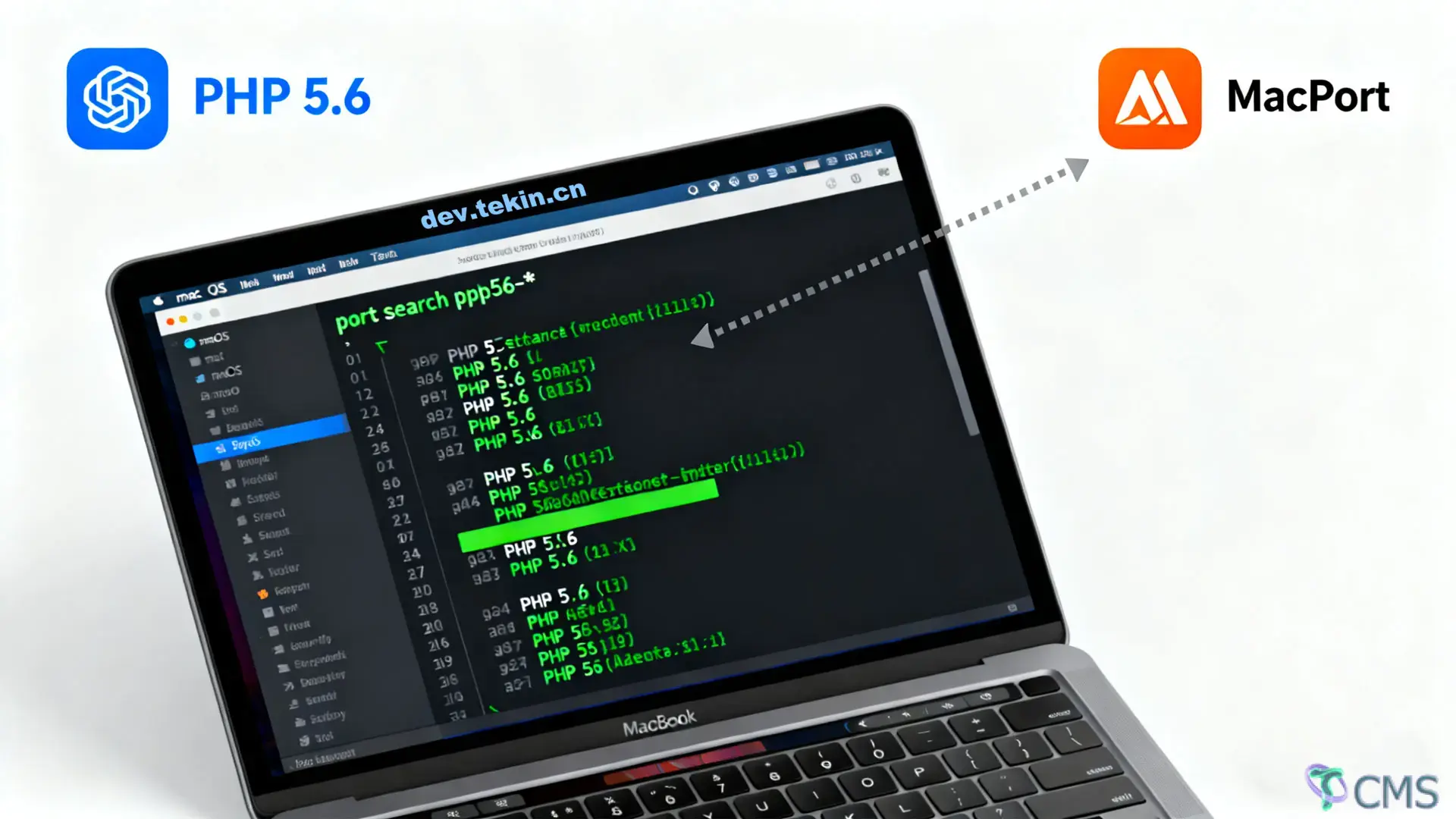
Legacy PHP 5.6 projects often face performance bottlenecks due to unoptimized extensions. This guide focuses on tuning critical extensions for macOS (MacPorts environment) to improve speed, stability, and resource efficiency. All configurations follow "compatibility first, optimization second" principles—ideal for maintaining older PHP applications.
All configuration files are located in MacPorts’ default directory: /opt/local/var/db/php56/. Restart the PHP environment after modification (use sudo port unload php56-fpm && sudo port load php56-fpm for php56-fpm or restart the built-in server).
apcu.ini)Config File Path: /opt/local/var/db/php56/apcu.ini
Key Parameters:
| Parameter | Recommended Value | Description |
|---|---|---|
apc.shm_size | 64M (small-medium projects) / 128M (large projects) | Shared memory size for caching. Too small causes frequent cache evictions (check apc_cache_full warnings); too large wastes memory. Use php56 -i | grep "apc.cache_full_count" to monitor cache full events. |
apc.ttl | 3600 (seconds) | Default cache expiration time. Adjust based on data update frequency: 86400 (1 day) for static data (e.g., configs), 300-3600 for dynamic data (e.g., product lists). |
apc.user_ttl | 3600 (seconds) | Expiration time for user cache (apcu_store). Match apc.ttl to avoid long-term memory占用. |
apc.max_file_size | 1M | Maximum size of individual files cached (for opcode caching). Increase to 2M for large templates—avoid over-sizing to reduce memory usage. |
Tuning Principle: Prioritize zero or minimal cache_full_count values, then adjust TTL based on data freshness.
redis.ini)Config File Path: /opt/local/var/db/php56/redis.ini
Key Parameters:
| Parameter | Recommended Value | Description |
|---|---|---|
redis.default_socket_timeout | 2 (seconds) | Redis connection timeout. Too short causes occasional failures (network fluctuations); too long blocks PHP processes (keep ≤3 seconds). |
redis.retry_interval | 100 (milliseconds) | Retry interval after connection failure. Use 50-100 for high concurrency to avoid resource waste from frequent retries. |
redis.pconnect.connection_limit | 100 | Maximum number of persistent connections. Adjust based on Redis’ maxclients (default: 10000) to avoid connection limits. |
redis.serialize_handler | php | Serialization method. php offers the best compatibility with PHP 5.6. igbinary (requires php56-igbinary extension) is slightly faster but may have compatibility risks. |
Tuning Principle: Shorten timeouts to reduce blocking; control persistent connections to avoid Redis connection exhaustion.
memcached.ini)Config File Path: /opt/local/var/db/php56/memcached.ini
Key Parameters:
| Parameter | Recommended Value | Description |
|---|---|---|
memcached.sess_locking | On | Session locking switch. Enable to prevent data corruption from concurrent session writes (ideal for user login scenarios)—adds minor latency. Disable for non-session use cases. |
memcached.connection_timeout | 1000 (milliseconds) | Connection timeout (in milliseconds). Use 500-1000 to balance speed and stability. |
memcached.retry_timeout | 5 (seconds) | Retry interval after server downtime. Avoid short intervals (e.g., 5 seconds) to reduce invalid requests. |
mysql.ini)Config File Path: /opt/local/var/db/php56/mysql.ini
Key Parameters:
| Parameter | Recommended Value | Description |
|---|---|---|
mysqli.connect_timeout | 3 (seconds) | Database connection timeout. Use 2-5 seconds—too short causes failures during network fluctuations; too long blocks processes. |
mysqli.default_charset | utf8mb4 | Default character set. Use utf8mb4 for emoji support (utf8 only supports 3-byte characters); use utf8 for legacy project compatibility. |
mysqli.reconnect | Off | Auto-reconnect switch. Disable for safety—prevents transaction loss or data corruption after reconnection. Handle connection failures manually. |
postgresql.ini)Config File Path: /opt/local/var/db/php56/postgresql.ini
Key Parameters:
| Parameter | Recommended Value | Description |
|---|---|---|
pgsql.auto_reset_persistent | On | Auto-reset persistent connections. Resets state (e.g., transactions, cursors) before reusing connections to avoid cross-request contamination. |
pgsql.connect_timeout | 5 (seconds) | Connection timeout. Slightly longer than MySQL (PostgreSQL connections take longer to establish)—use 3-5 seconds. |
gd.ini)Config File Path: /opt/local/var/db/php56/gd.ini
Key Parameters:
| Parameter | Recommended Value | Description |
|---|---|---|
gd.jpeg_ignore_warning | 1 | Ignore JPEG warnings (e.g., compatibility issues with older GD versions). Enable to prevent script interruptions in production. |
memory_limit (PHP global parameter, in php.ini) | 128M (basic) / 256M (large images) | GD consumes significant memory (e.g., a 10MB JPEG may use 50-100MB when uncompressed). Increase if you see Allowed memory size exhausted errors—never exceed 50% of server physical memory. |
Tuning Tip: Resize large images (e.g., with imagescale) before processing to reduce memory usage.
imagick.ini)Config File Path: /opt/local/var/db/php56/imagick.ini
Key Parameters:
| Parameter | Recommended Value | Description |
|---|---|---|
imagick.progress_monitor | 0 | Disable progress monitoring (default: 1). Reduces resource usage in production. |
imagick.max_memory | 256M | Maximum memory per Imagick instance. Adjust based on image size to avoid OOM (Out of Memory) errors. |
curl.ini)Config File Path: /opt/local/var/db/php56/curl.ini
Key Parameters:
| Parameter | Recommended Value | Description |
|---|---|---|
curl.cainfo | /opt/local/share/curl/cacert.pem | CA certificate path. Prevents HTTPS request failures due to invalid certificates (MacPorts’ curl certificate is stored here by default). |
default_socket_timeout (PHP global parameter) | 10 (seconds) | Default cURL timeout. Use 3-5 seconds for internal APIs; 10-15 seconds for slow external APIs—avoid long blocking times. |
mbstring.ini)Config File Path: /opt/local/var/db/php56/mbstring.ini
Key Parameters:
| Parameter | Recommended Value | Description |
|---|---|---|
mbstring.internal_encoding | UTF-8 | Internal string encoding. Use UTF-8 consistently to avoid garbled text in multi-byte processing. |
mbstring.func_overload | 0 | Disable function overloading (default: 0). Enabling replaces native functions like strlen with mbstring versions—may break legacy code dependent on native functions. |
Extension Configuration Check: Run php56 -i | grep "[parameter-name]" to verify settings (e.g., php56 -i | grep "apc.shm_size").
Performance Monitoring:
Error Logs: Check the PHP error log (/opt/local/var/log/php56/error_log) for configuration errors or performance warnings (e.g., apc_cache_full, memory exhaustion).
PHP 5.6 extension tuning prioritizes "compatibility first, moderate optimization":
Caching extensions: Focus on hit ratio and memory stability.
Database/network extensions: Control timeouts to avoid blocking.
Image processing extensions: Limit memory usage to prevent OOM errors.

 Tekin Tian
Feb 25, 2026
 Tekin Tian
May 03, 2025

 Tekin Tian
May 03, 2025


Please enter your email address below and click the subscribe button. By doing so, you agree to our Terms and Conditions.